

Project Quick Facts
Who doesn't love bowling? There's always time for fun, and it's a great break from everyday life. It's even more fun when you have the right lighting.
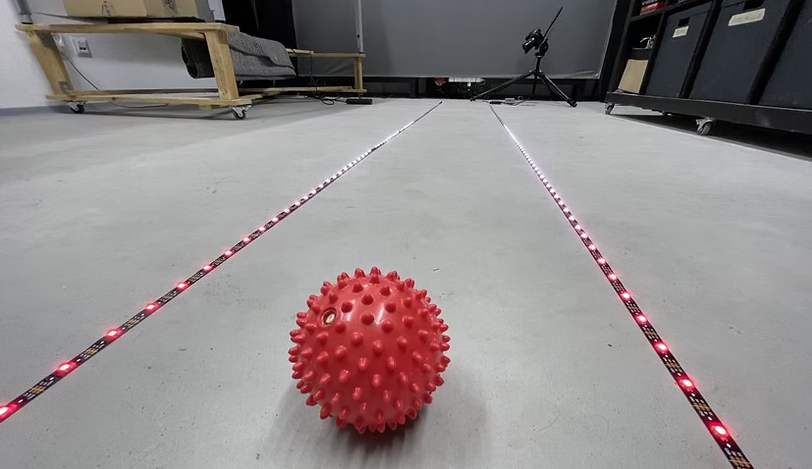
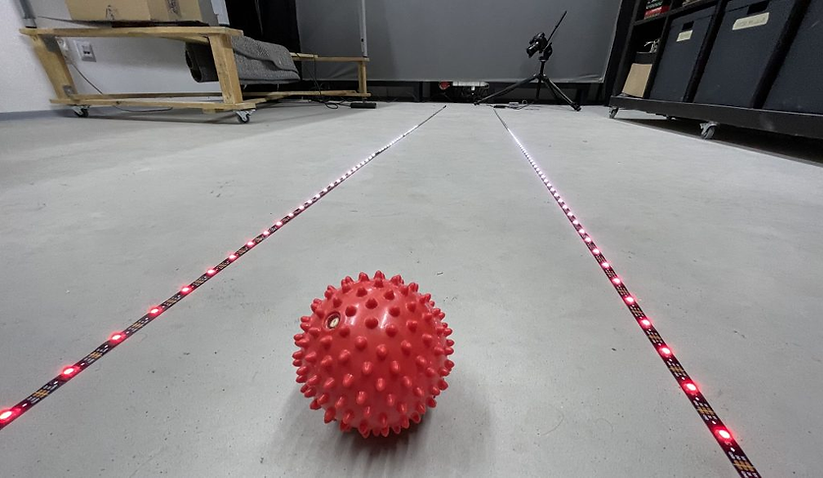
The goal of our simple installation was to use addressable WS2811 pixel LED strips to light up the bowling lane. It’s pretty straightforward, but we wanted to trigger an animated light scene when the bowling ball enters the lane.
We used the new Reactivo controller to control the digital LED strips along the lane. The new firmware version supports triggers on external sensors. It allows you to perform various types of actions when an external trigger is pressed.
Types of External Triggers #
With Reactivo, you can use all kinds of external triggers:
- Motion sensor – to detect movement, e.g., with a hand or the whole body
- Button – simply trigger an animation using a button
- Light sensor – trigger a lighting animation after dark
- Laser sensor – to detect motion or the entry of an object into a specific area
- External web sensors – such as weather, a Facebook event (new like),…
- And many more..
We used a laser sensor for our bowling alley because it is accurate. It works 100%. As soon as the ball lands on the bowling lane, the laser beam is immediately interrupted and triggers the selected animation from the Reactivo SD card.
Trigger Actions #
After pressing the trigger (e.g., by pressing a button or interrupting the laser beam), you can use various types of actions in Reactivo. For example:
- Play an animation
- Change brightness
- Switch to the next animation
- Change animation speed
- and many more…
Obviously, we used the game animation action when the ball lands on the bowling lane. This triggers the playback of a selected animation from the Reactivo SD card.
But is it really that simple? #
Yes, we hate complicated things. Basically, all you need is a sensor connected to Reactivo, and once the sensor is triggered, you can easily create various actions. The possibilities are endless—play an animation when a button is pressed, adjust the brightness when a light sensor detects darkness, change the speed when it starts snowing… lots of fun, yet cool possibilities 🙂 … All you need is Reactivo.
Please contact us or give us a call to discuss a partnership. We’d be happy to help!